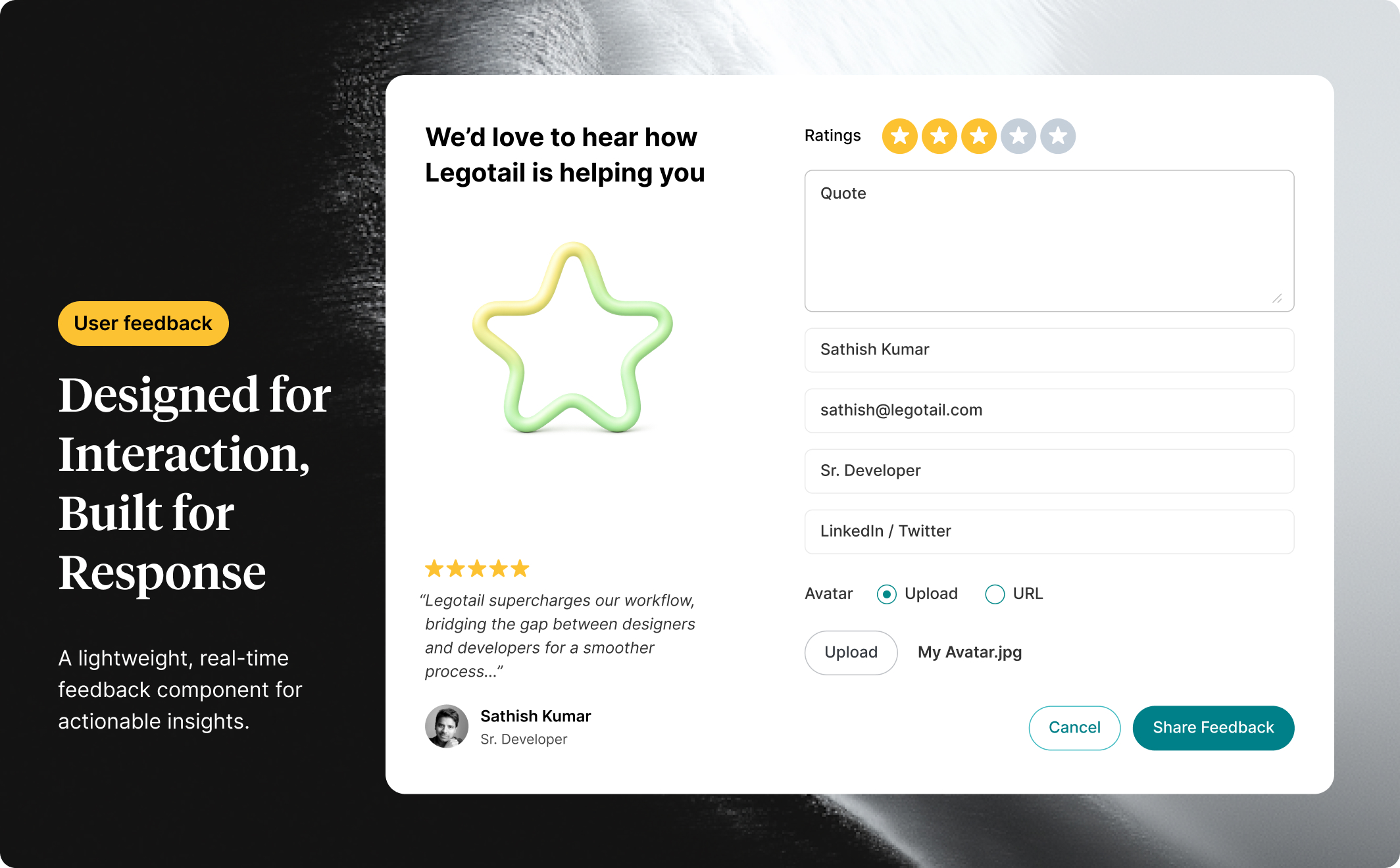
The Feedback Popup Form is a thoughtfully crafted user feedback interface built in Figma, designed to increase engagement while keeping things clean, personal, and purposeful. It’s ideal for modern product websites or SaaS tools that want to give users a way to share Reviews, Ideas, or Issues without friction.
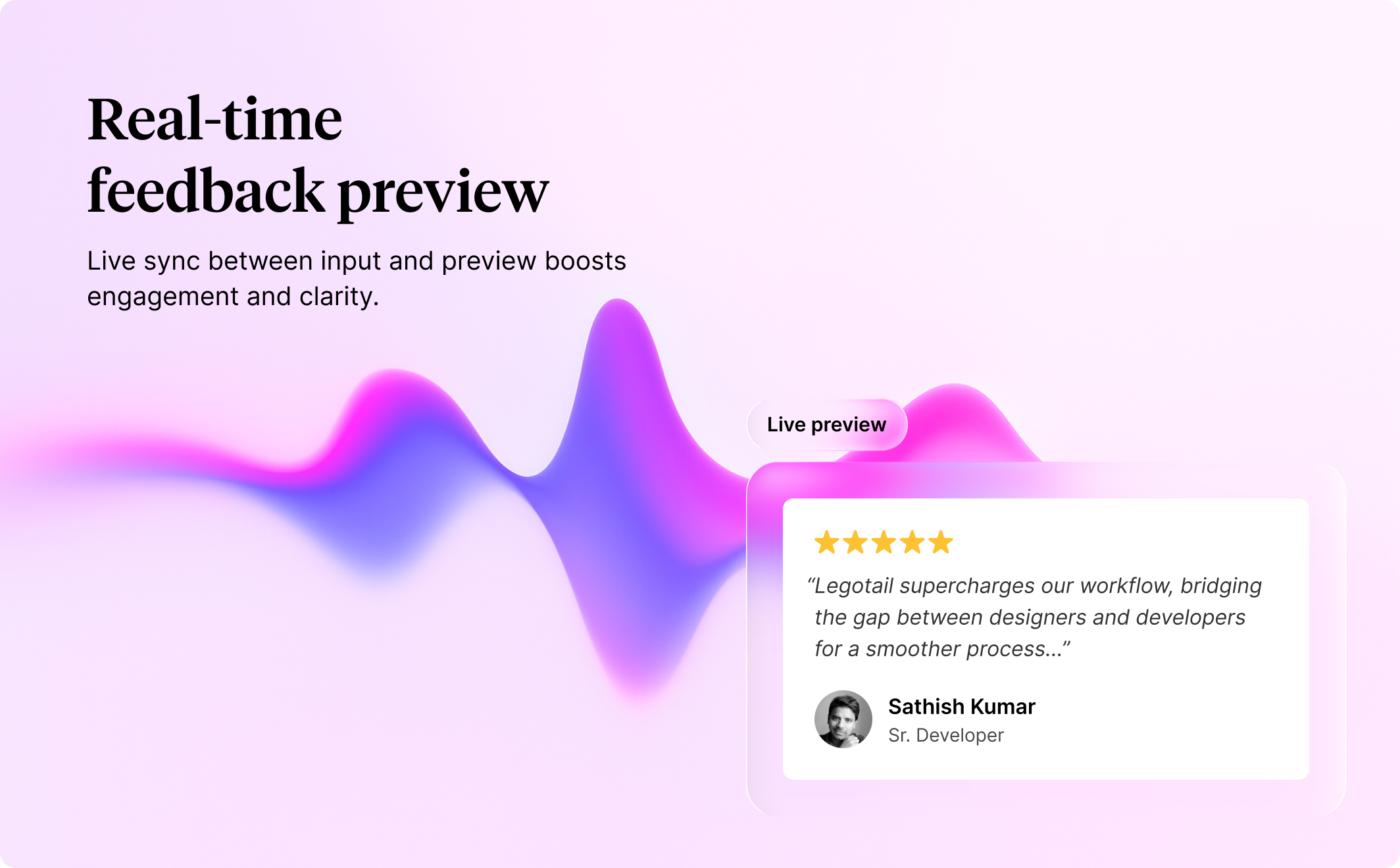
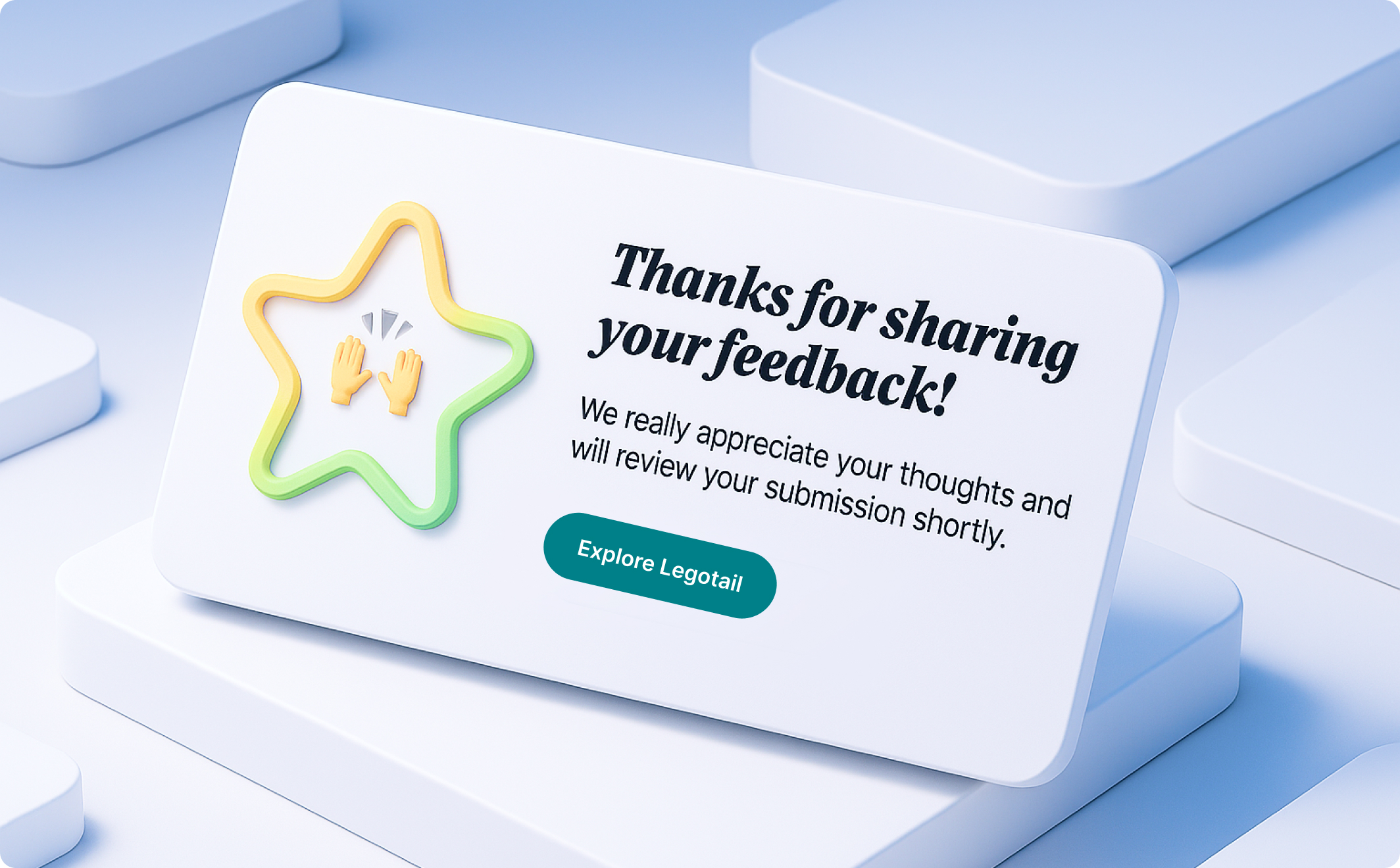
The layout adapts based on feedback type, showing relevant fields dynamically for a better user experience. Submissions end with a beautiful, animated 3D-style confirmation screen to leave a lasting impression.
Built with Figma best practices in mind, the design uses clean Auto Layout, organized layers, and reusable components — perfect for customization or direct handoff to developers.
Key Features
- Fully handcrafted by real designers — not AI-generated
- Built with scalable, organized Auto Layout
- Includes responsive design setup for multiple breakpoints*
- Interactive field logic based on feedback type
- Uses Variants for UI components like radio buttons and form states
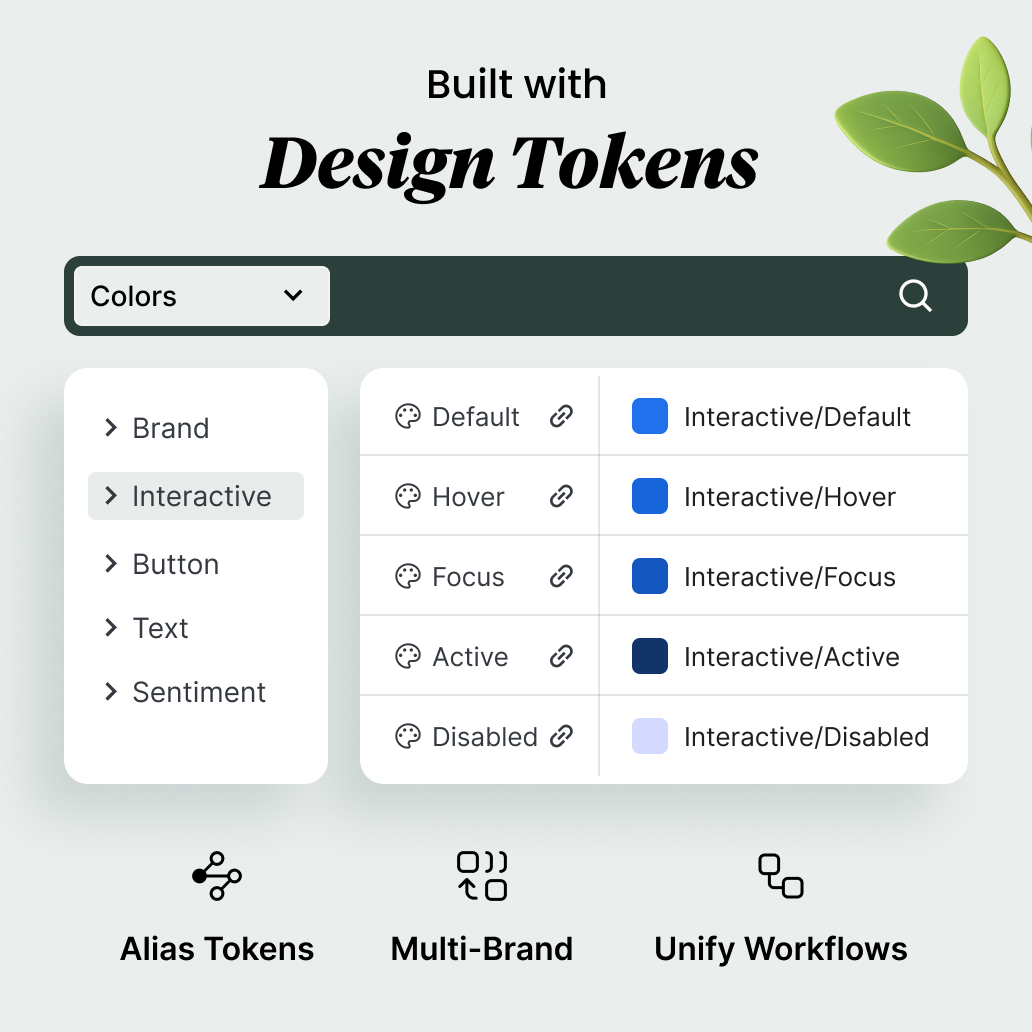
- Style consistency maintained via Figma Style Variables
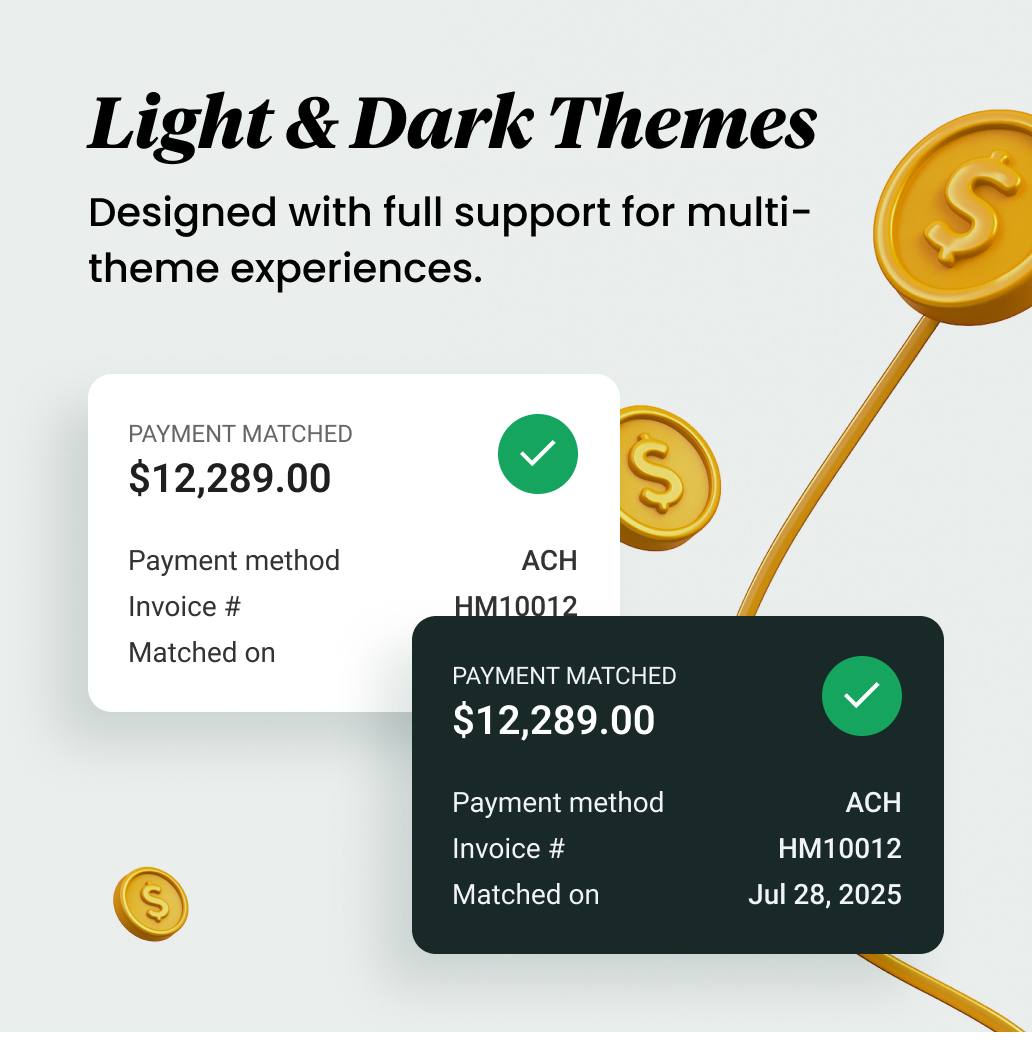
- Includes light & dark mode variations*
- Polished 3D-style confirmation screen using component layers
Suitable For
- SaaS platforms seeking better user feedback mechanisms
- Product teams collecting reviews, ideas, or bug reports
- Designers creating UX-focused modals or microflows
- Developers needing a clean, ready-to-implement UI
- Onboarding flows or user portals that require subtle interactions
Tags
feedback form UI, popup form design, Figma feedback component, 3D confirmation screen, responsive form UI, review form, idea submission form, SaaS feedback design, light dark mode*
This feedback form is more than just a form — it’s a micro-interaction moment designed to improve user trust and encourage participation. With dynamic field handling and thoughtful UX details, it helps teams gather insights while leaving users with a smile. Whether you’re running a SaaS platform or launching a new product, this design helps you stay connected to your users in a visually elevated way.








Comments
Join the Conversation
Sign in to start a comments, ask questions, or share your thoughts on this design.